Codex and terminology
Connect Codex to Termbanks, manage a glossary and keep translations consistent across documents.
1. Prepare your collection
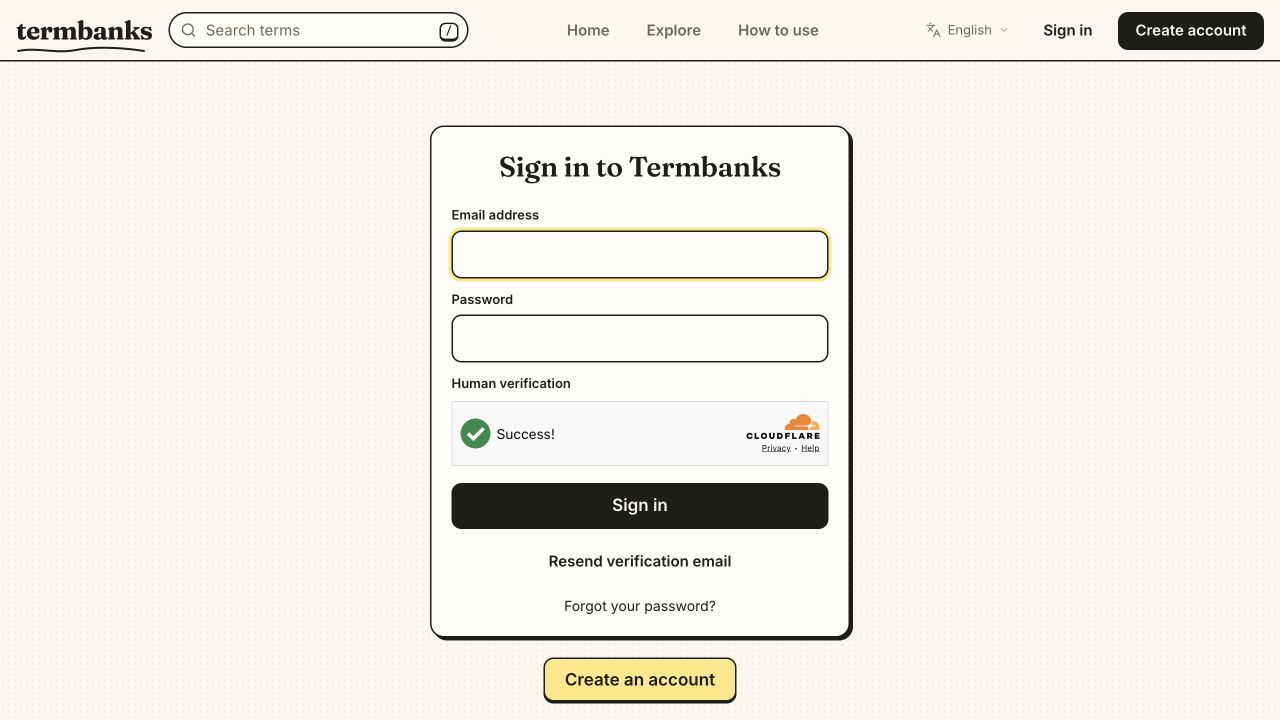
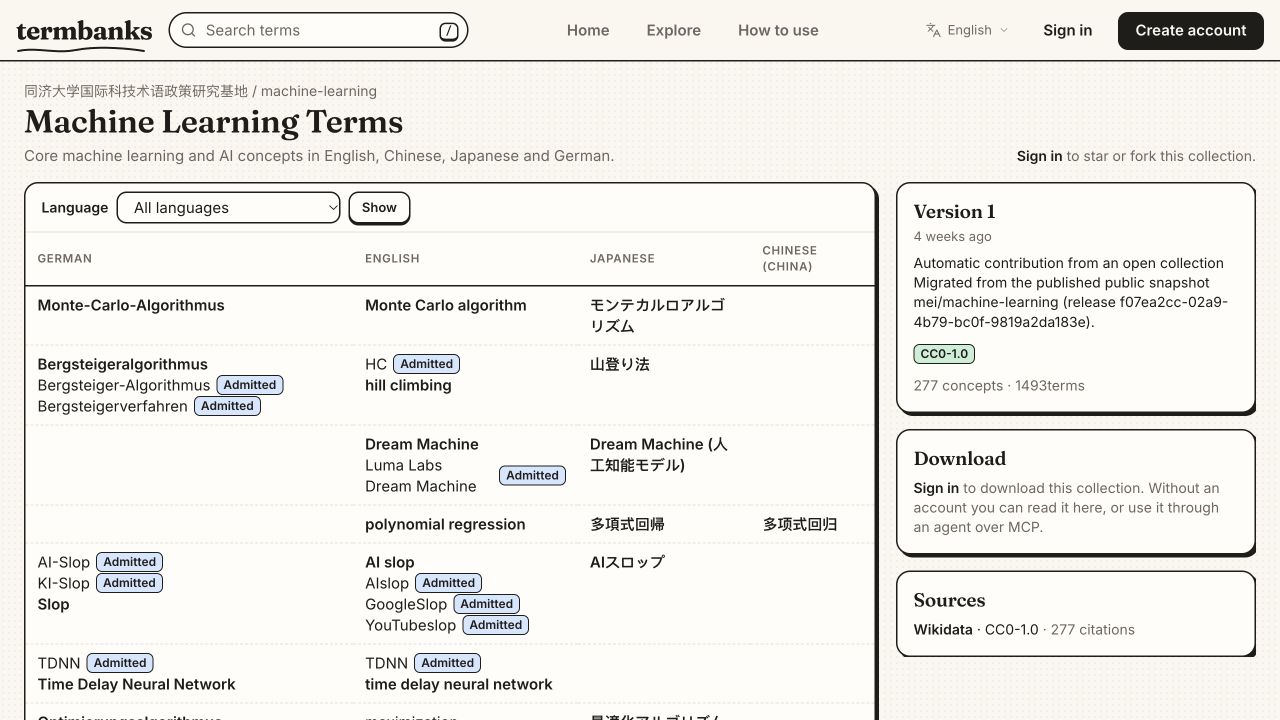
Sign in to Termbanks or create an account. Create a private collection or import an existing glossary, with language tags, preferred terms, definitions and sources. You can also explore public collections without signing in.
2. Connect Codex
On the computer running Codex, open a terminal and run the following command. Install the Codex CLI first if the command is unavailable.
codex mcp add termbank --url https://www.termbanks.com/mcp/
Check the entry with codex mcp get termbank. Public tools can work without signing in. For a private collection and proposed changes, run:
codex mcp login termbank --scopes draft --oauth-client-registration dcr
In the browser, sign in and approve access to the intended collections. Select only the permissions you need; Draft allows proposals for review, while Assist is read-only. To request read-only access, replace draft with assist in the login command.
Open a new Codex chat and ask: Use Termbank whoami to show my access and available collections. Confirm the expected collection appears before continuing. If the server is missing, restart Codex and check the server entry and browser authorization.
3. Manage terminology
Name the collection and languages in your request. For example, ask Codex: Use my Termbank collection [collection name]. Find terminology in this document, compare it with the collection, and propose missing English and Chinese terms with definitions and sources. Do not merge concepts or commit changes without my review. Replace the bracketed name and provide the document.
Review staged changes in Review, resolve ambiguous matches and commit the approved changes. Draft access proposes changes; a person or an appropriately authorized agent must commit them. See Agent pushes and review.
4. Translate consistently
After agreeing the glossary, provide the source text and ask: Translate this document from English to Chinese using my Termbank collection [collection name]. Pin known terms before translating and unpin them afterward. Preserve every marker, flag ambiguous or missing terms, and check the result against the collection.
Codex uses pin_terms and unpin_terms to restore matched glossary translations. Review ambiguous matches, missing markers and the finished translation; automated matching does not guarantee that every term or context is correct. Reuse the same collection for later sections. See Translation workflows.
Change or revoke access
Use Connected agents to inspect or disconnect access. Permissions also follow your current collection role. Never paste a personal access token into a chat or document. See Agent permissions.